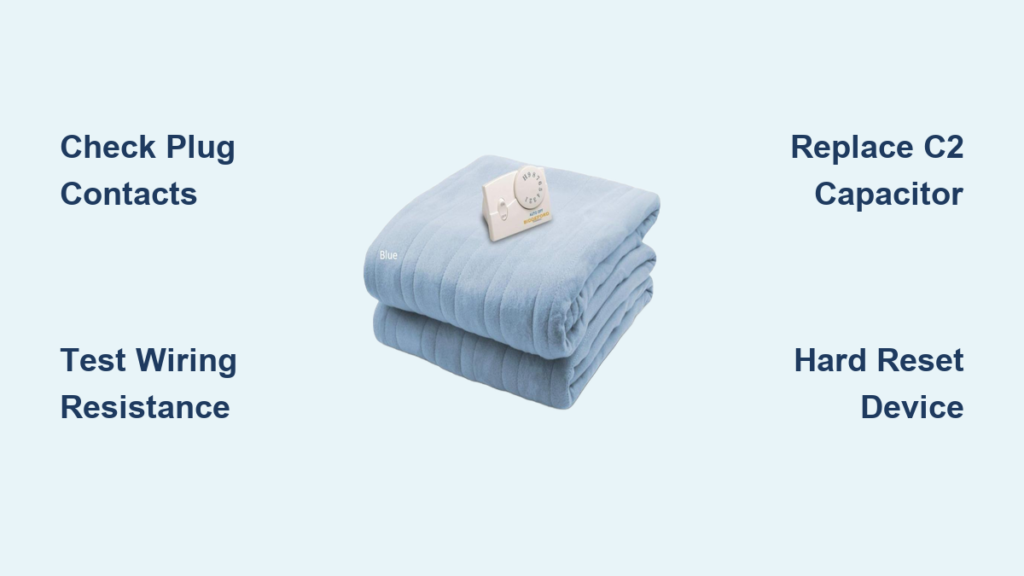
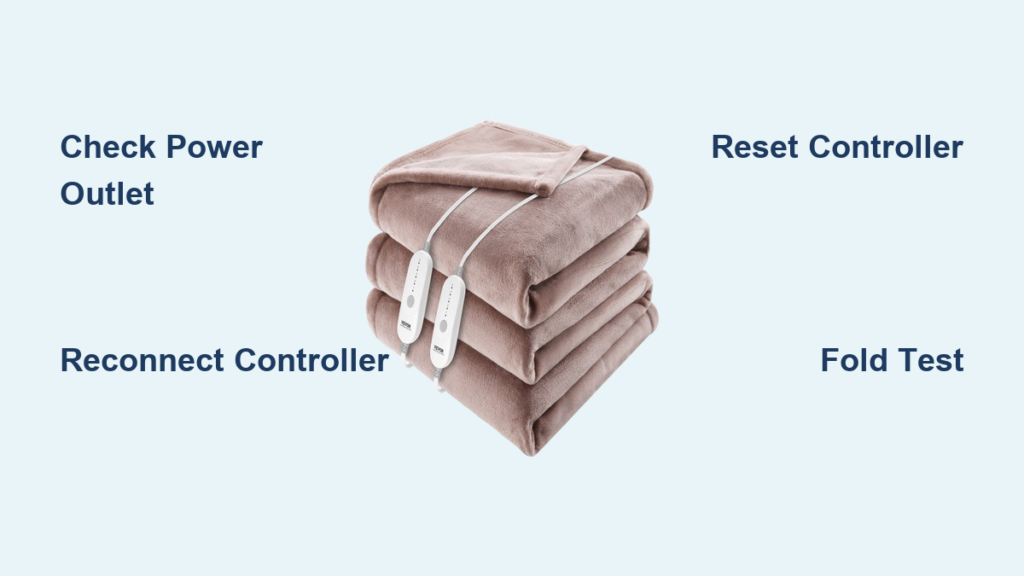
Your heated blanket is supposed to bring warmth and comfort, so when it won’t turn on, no lights, no heat, nothing, it’s frustrating. Most failures stem from simple causes like power issues, loose connections, or safety resets. This guide walks through every troubleshooting step to get your blanket working again.
Most heated blankets can be revived with basic fixes. This article covers power source checks, connection inspections, controller resets, error code decoding, smart blanket app troubleshooting, and when replacement is the safer choice.
Test Power Source Before Troubleshooting
Plug Directly Into a Wall Outlet
Never use extension cords, power strips, or surge protectors with heated blankets. These can restrict voltage or interrupt current flow, preventing the controller from powering on. Always plug directly into a wall outlet, as required by Sunbeam and other top brands.
If your blanket works only when plugged into one specific outlet, the problem isn’t the blanket. It’s the power source.
Check If the Outlet Actually Works
Use a lamp, phone charger, or small appliance to verify the outlet is live. If that device doesn’t power on, check these common issues:
- GFCI outlets may have tripped. Reset any ground-fault circuit interrupter, especially in bedrooms or near bathrooms.
- The circuit breaker may have flipped. Head to your electrical panel and check.
- Smart plugs or timers may not deliver consistent power. Avoid these unless rated for high-load, continuous use.
Inspect All Connections

Reconnect the Controller Properly
A loose connection between the controller and blanket module is one of the top reasons a heated blanket won’t turn on. Even a slight gap breaks electrical continuity.
To fix this, follow these steps:
- Unplug the blanket from the wall.
- Disconnect the controller from the blanket’s connection point.
- Wait 30 seconds.
- Reconnect the controller until you feel or hear a click. This is especially important on Brookstone models.
- Plug back in and test.
Ensure the connector is fully seated. Wiggle it to check. If it produces flickering lights or intermittent response, the connection isn’t secure.
For Cordless Models: Check Battery Connection
Battery-powered throws require the battery pack to be fully inserted into its internal pocket. A partial connection can show a green light but prevent heating.
Confirm the USB-C plug is fully inserted. Look for blinking white LEDs during charging. Solid white LEDs mean the battery is full. If the blanket shuts off seconds after turning on, it may be in sleep mode. Press the control button to wake it.
Reset the Controller System
Perform a Full Power Cycle
Controllers, especially digital or app-connected ones, can freeze or enter error mode. A reset often restores function.
Follow these universal reset steps:
- Unplug from wall.
- Disconnect controller from blanket.
- Wait 30 seconds to 15 minutes. Use the longer wait for persistent errors.
- Reconnect controller.
- Plug into a working outlet.
- Set to highest heat and wait 15-20 minutes.
Sunbeam recommends this for unresponsive digital controls or flashing lights.
Fix Pulsing “✔” Light on Smart Models
On Sunbeam S2 app-enabled blankets, a pulsing light above the “✔” button means remote activation was requested via app or voice assistant, but physical confirmation is required.
To restore full function, press the “✔” button on the controller within one hour. After pressing, the light becomes solid and heating resumes normally. If you turned it off via app, you must press “✔” before reactivating remotely.
Decode Error Codes and Controller Lights

What Flashing Lights Mean
A flashing controller light indicates a fault. This is common after power surges or connection issues.
Reset as described above. If flashing continues after 2-3 resets, the blanket likely has internal damage.
Common Error Codes Explained
| Code | Meaning | Solution |
|---|---|---|
| FF | General fault (Sunbeam S2) | Unplug, disconnect, wait 30 sec, reconnect |
| F1–F4 | Sensor or communication error | Reset with 15-minute wait |
| E4 | Open circuit in wire (Brookstone, Biddeford) | Internal wire damage, likely needs replacement |
The Fold Test: Check for Hidden Warmth
Warmth May Be Undetectable When Flat
Many users think their blanket is dead when it’s actually working. Sunbeam blankets are designed to maintain warmth, not generate intense heat. When laid out flat, they may not feel warm to the touch.
Do the fold test:
- Fold the blanket three times to trap heat.
- Plug in and set to highest setting.
- Wait 5-7 minutes.
- Place your hand between the folds.
If you feel warmth, the blanket is functioning. No heat after 7 minutes suggests a real defect.
Never exceed 7 minutes during this test to avoid overheating.
Diagnose Internal Wiring Damage

Look for Physical Signs of Damage
If only part of the blanket heats or none at all, check for:
- Cold spots or uneven heating
- Frayed, pinched, or exposed wires near connectors or fold lines
- Burning smell, scorch marks, or charring
- Brittle or cracked wire insulation
These signs indicate internal damage that can prevent power-on or create fire hazards.
Why the Sensor Wire Matters
Many blankets use a dual-wire system. The main heating element is a thicker wire. The thin sensor wire handles temperature feedback or safety loop.
Even if the main wire is intact, an open circuit in the sensor wire can disable the entire system. This is why multimeter testing is critical for advanced users.
Check for Blown Fuses
Thermal Fuse May Be Tripped
Located inside the blanket or controller, the white cylindrical thermal fuse trips if the blanket overheats. It’s a one-time-use safety device. Once blown, it must be replaced.
The thermal fuse trips at approximately 110°C. It prevents the controller from powering on. This is common in Biddeford and similar models.
Replace with SM110A1 fuse, available online. This requires opening the blanket and voids the warranty.
Controller Internal Fuse
Some controllers have a replaceable or soldered fuse. If the controller shows no lights and fails all resets, the fuse may be blown.
Access requires opening the casing. Test with a multimeter in continuity mode. Replacement is possible for skilled users with soldering tools.
Troubleshoot Smart Blanket App Issues
Wi-Fi and Pairing Problems
Smart blankets may not turn on due to app or network failures.
Fix app-related issues by ensuring the controller Wi-Fi icon is solid, not blinking. Use 2.4 GHz Wi-Fi only. 5 GHz is not supported. Enable Location and Nearby permissions in the Sunbeam app. Restart the app and power-cycle the blanket.
Voice Control Limitations
Timers must be set in the app, not via Alexa or Google Assistant. Alexa can’t set pre-heat modes or adjust outside 1-10 heat levels. After a power outage, schedules are lost on S1 models or must be reactivated on S2 models.
To regain control, press the “✔” button physically before using voice commands.
Battery Troubleshooting for Cordless Throws
Battery Not Charging?
Ensure the USB-C plug is fully inserted. Partial connection shows green light but no charging. Blinking white LEDs mean charging. Solid means full. If lights don’t respond, try a different charger or USB port.
Blanket Shuts Off After Seconds?
Possible causes include battery drained, sleep mode, or accidental double-click. Check the indicator. One light means low. Disconnect and reconnect the battery to reset if it’s been accidentally disabled.
Cordless throws are for indoor use only. Do not use outdoors.
Fix Dual-Control Blanket One-Side Failure
Only One Side Heats?
On dual-control blankets, each side operates independently. The control with the service label runs the right side when facing the foot of the bed. Ensure remotes are correctly assigned to left and right.
Troubleshoot by plugging directly into wall. Set unresponsive side to highest heat for 20 minutes. Confirm controller is firmly connected. Perform fold test on that side.
If only one side works after reset, internal wiring on the dead side is likely damaged.
Prevent Washing-Related Failures
Never Plug In a Damp Blanket
Moisture in connectors after washing is a leading cause of permanent controller failure.
Follow safe cleaning steps:
- Disconnect controller before washing.
- Machine wash in cold water, gentle cycle.
- Tumble dry on delicate setting. Remove while damp.
- Stretch to size. Line dry to finish.
- Never wring or use high heat.
Even if the label says machine washable, repeated washing degrades internal wires over time. Always ensure full drying before reconnecting the controller.
When to Repair vs. Replace
Can You Repair a Heated Blanket?
Some users successfully repair blown thermal fuses, controller fuses with soldering skills, or loose internal connections. But repairs void the warranty, require technical skill, and increase fire risk if done improperly.
User consensus suggests replacing instead. One user noted, “Toss it and get a new one. Uncomfortable using after repair.”
Replace Immediately If:
- Visible damage like fraying, burns, or exposed wires
- Persistent error codes after reset
- Failed fold test
- Blanket previously smoked or overheated
- More than 5 years old
- Used by elderly, disabled, or immobile individuals. Replace every 6-12 months in these cases.
Modern heated blankets are designed as disposable items. Most last only 2-5 years.
Safety First: Fire Risks and Warnings
Critical Safety Rules
Users have shared harrowing experiences. One said, “Shorted out and caught on fire with me in bed.” Another lost everything in a house fire.
Follow these critical safety rules:
- Never use with exposed wires, fraying, or charring.
- Never attempt internal repairs unless highly skilled.
- Never fold sharply. Creases break internal wires.
- Never tuck under body. Risk of overheating.
- Replace every 5 years as a safety precaution.
Frequently Asked Questions About Heated Blankets That Won’t Turn On
Why won’t my heated blanket turn on at all?
Start by checking the power source. Ensure it’s plugged directly into a wall outlet with no extension cords. Test the outlet with another device to confirm it works. Then inspect all connections between the controller and blanket. A loose connection is the most common culprit.
How do I reset my heated blanket controller?
Unplug from the wall. Disconnect the controller from the blanket. Wait 30 seconds to 15 minutes. Reconnect firmly. Plug back in and set to highest heat for 15-20 minutes. This resolves most controller freezes and error codes.
What does the E4 error code mean?
E4 indicates an open circuit in the heating or sensor wire. It’s common on Brookstone and Biddeford models. This typically means internal wire damage, and the blanket usually needs replacement rather than repair.
Can I repair a heated blanket myself?
Simple fixes like resetting connections are easy. Replacing a thermal fuse is doable with basic tools. But internal repairs void the warranty and can create fire hazards if done improperly. Most users should replace rather than repair.
How do I know if my heated blanket is actually working?
Use the fold test. Fold the blanket three times, plug it in at highest heat, wait 5-7 minutes, then feel between the folds for warmth. If there’s no heat, the blanket is defective.
When should I replace my heated blanket?
Replace immediately if you see visible damage, if error codes persist after troubleshooting, or if it’s over 5 years old. Replace every 5 years as a safety precaution, even without visible issues.
Key Takeaways for Fixing a Heated Blanket That Won’t Turn On
A heated blanket that won’t turn on is usually fixable with simple steps. Check power connections first, then reset the controller. Decode any error codes to identify specific problems. Test with the fold method to confirm actual heating function.
When internal damage, age, or safety risks are involved, replacement is the smartest choice. Modern heated blankets are designed as disposable items with limited lifespans. Prioritize safety over savings. Your warmth shouldn’t come at the cost of peace of mind.